Your configuration, per environment.
The dashboard is where you manage your Handled Cloud deployment: the environments you run, and the identity stack that runs inside each one. Changes apply at the edge, with no code and no redeploy.
Sign up (opens in new tab)Environments are the unit of configuration.
Development, staging, and production are first-class, independent silos. A change to one environment never touches another. After sign-up and provisioning, you add an environment, then add a new app by adding a route.
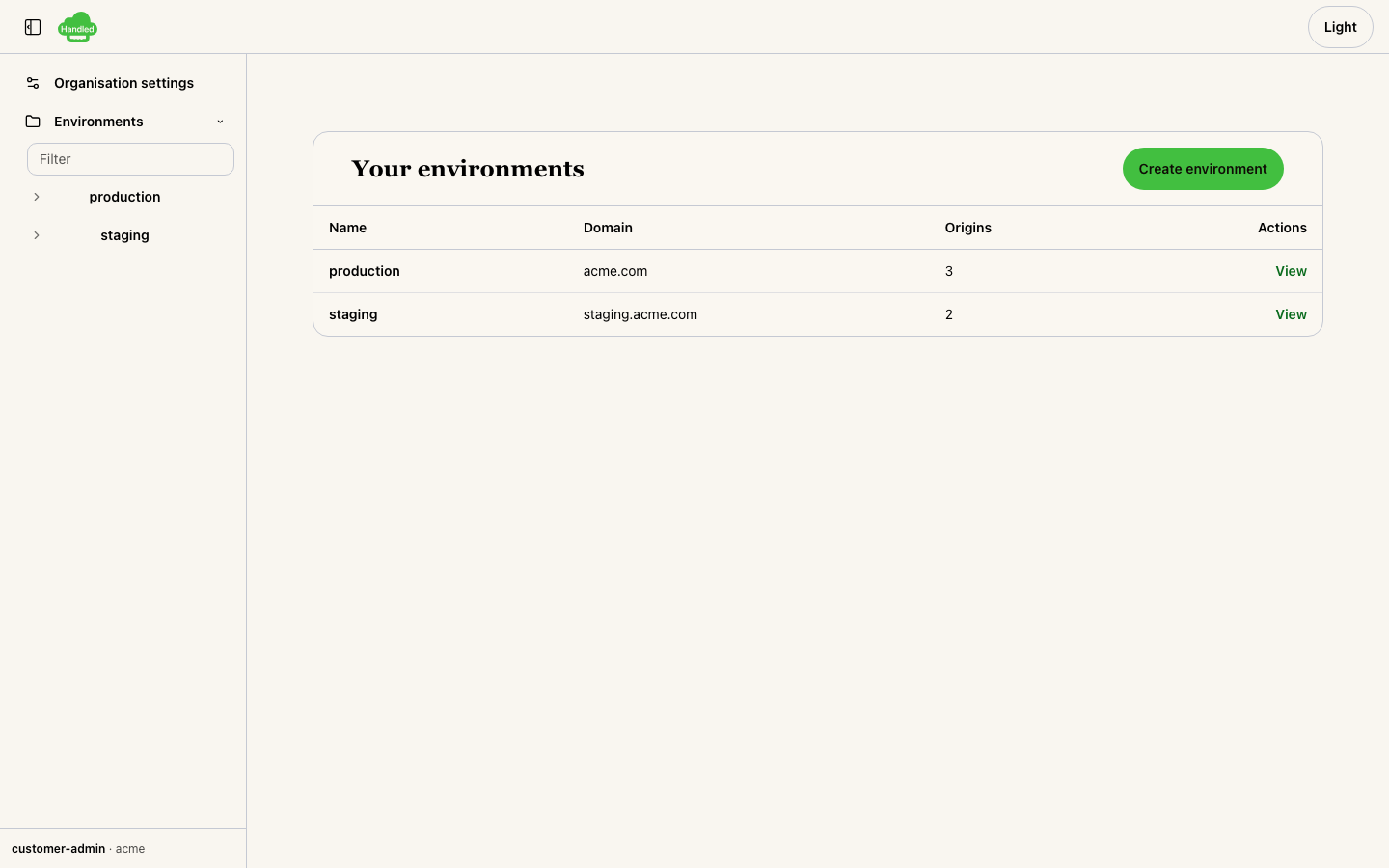
The environments list in the dashboard: every row is one environment.
One environment, one identity stack.
Each environment carries its own identity stack, configured in the dashboard:
- Its own identity provider connection
- Its own OAuth agent config
- Its own cookie names
- Its own hostname bindings
- Its own origins
- Route protection declared per route
Changes promote through review.
Each change is drafted in the dashboard, checked against assertions, and promoted through a merge request you review. The path is explicit, so a misconfiguration is caught before it applies.
01
Draft
Compose the change in the dashboard, against the environment it targets. Nothing is live while it is a draft.
02
Assertions
The change runs against the environment's assertions before promotion. A rule that fails blocks the merge.
03
Merge request
Promotion is a merge request you review and approve. Applying it overwrites the environment's live configuration at the edge.
Ready to configure identity per environment?